
MasjidAlert TV — Live Demo
This is the real TV app running in your browser with sample data. Switch between screens and themes below.
For your masjid or your home
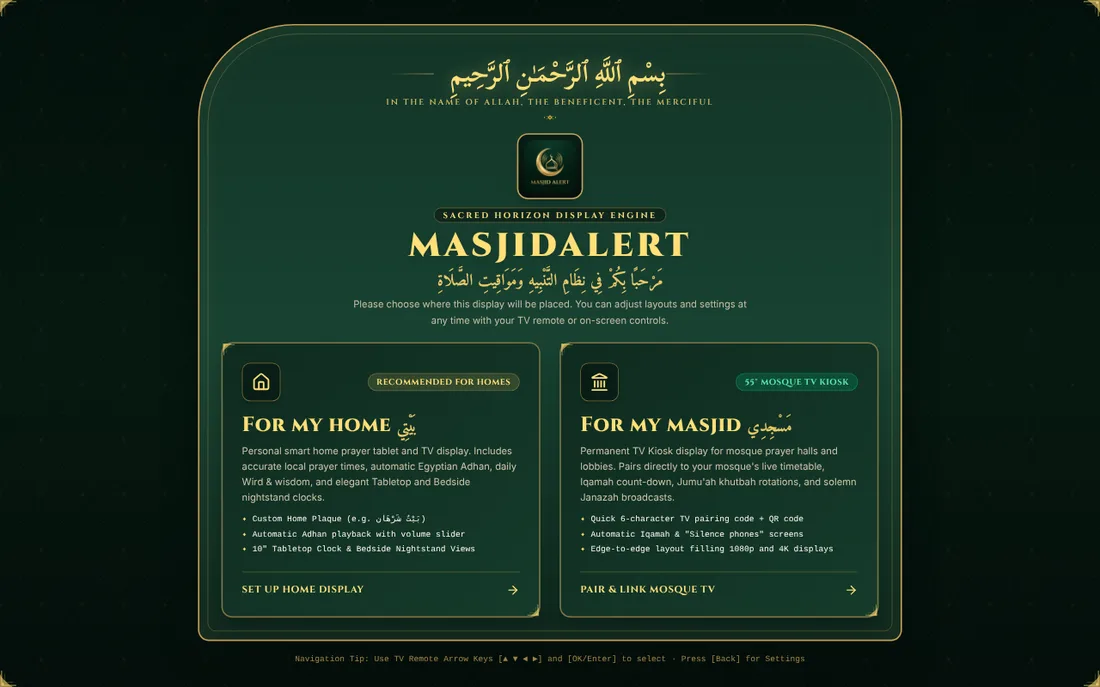
🕌 Masjid mode
- Linked to your masjid by a verified admin with a 6-character code
- Athan and iqamah times, Jumu'ah and a countdown to the next prayer
- Your notices appear automatically; janazah notices show full-screen
- Donation QR code, daily ayah and the Hijri date
- Screensaver and night dimming protect the screen, waking before each prayer
🏡 Home mode
- Prayer times for your city or ZIP code — no masjid or account needed
- Your family's name on screen, in English and Arabic
- Layouts for a living-room TV, a 10" tabletop clock and a bedside clock
- Light, Emerald and Navy themes that switch at sunrise and sunset
Put MasjidAlert on your masjid's TV
Any verified admin of your masjid can link a TV in about a minute. Nothing to type on the TV — the code comes to you.
Install MasjidAlert TV
On a Google TV, Android TV or Fire TV device (a Fire TV Stick or Chromecast plugged into any TV works). See where to find it below.
Choose “For my masjid”
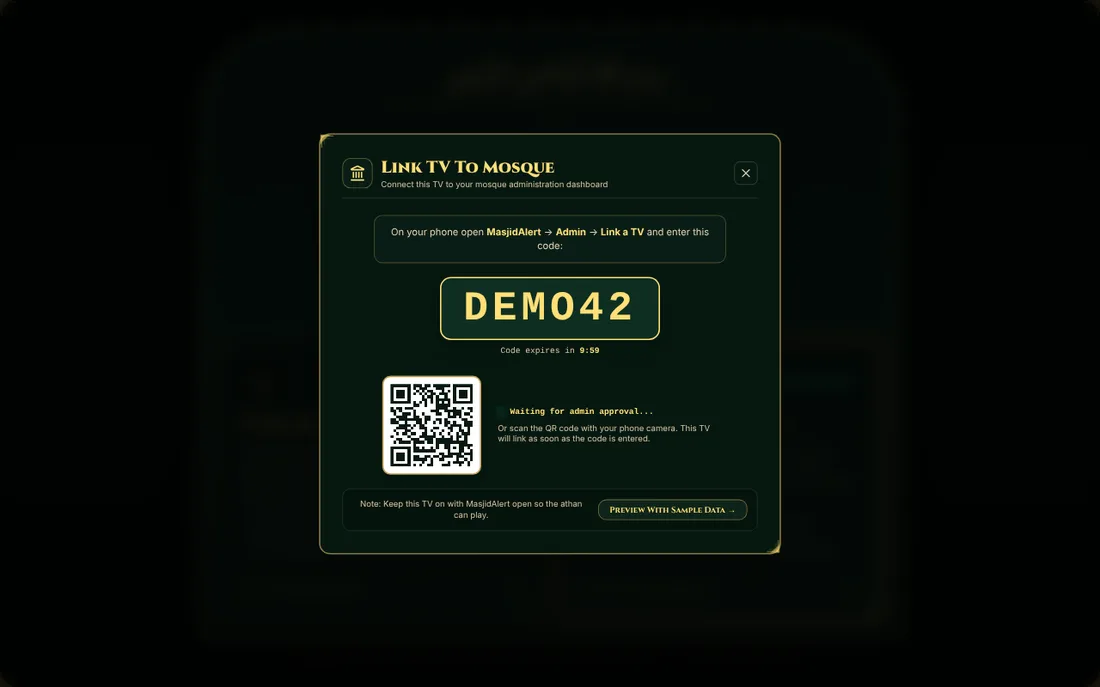
The TV shows a 6-character code and a QR code. The code lasts 10 minutes and can be used once.
Enter the code on your phone
In the MasjidAlert app: Admin → Link a TV, then type the code — or scan the QR code with your phone's camera.
Done
The TV shows your masjid's name, prayer and iqamah times, and every notice you post. You can see and remove linked TVs from the same screen in the app.
Not an admin yet? Open your masjid in the MasjidAlert app and tap “Claim this masjid” — we confirm every admin before giving access.
Where to find MasjidAlert TV
Once it's live, search “MasjidAlert TV” in your TV's app store. We'll update this list as each store goes live.